Best Mac cleaners for developers, 2026
Criteria: does it understand developer junk (not just
browser caches), does it show what it deletes before deleting, what it
costs, and how heavy it is. Ranked for developers specifically.
-
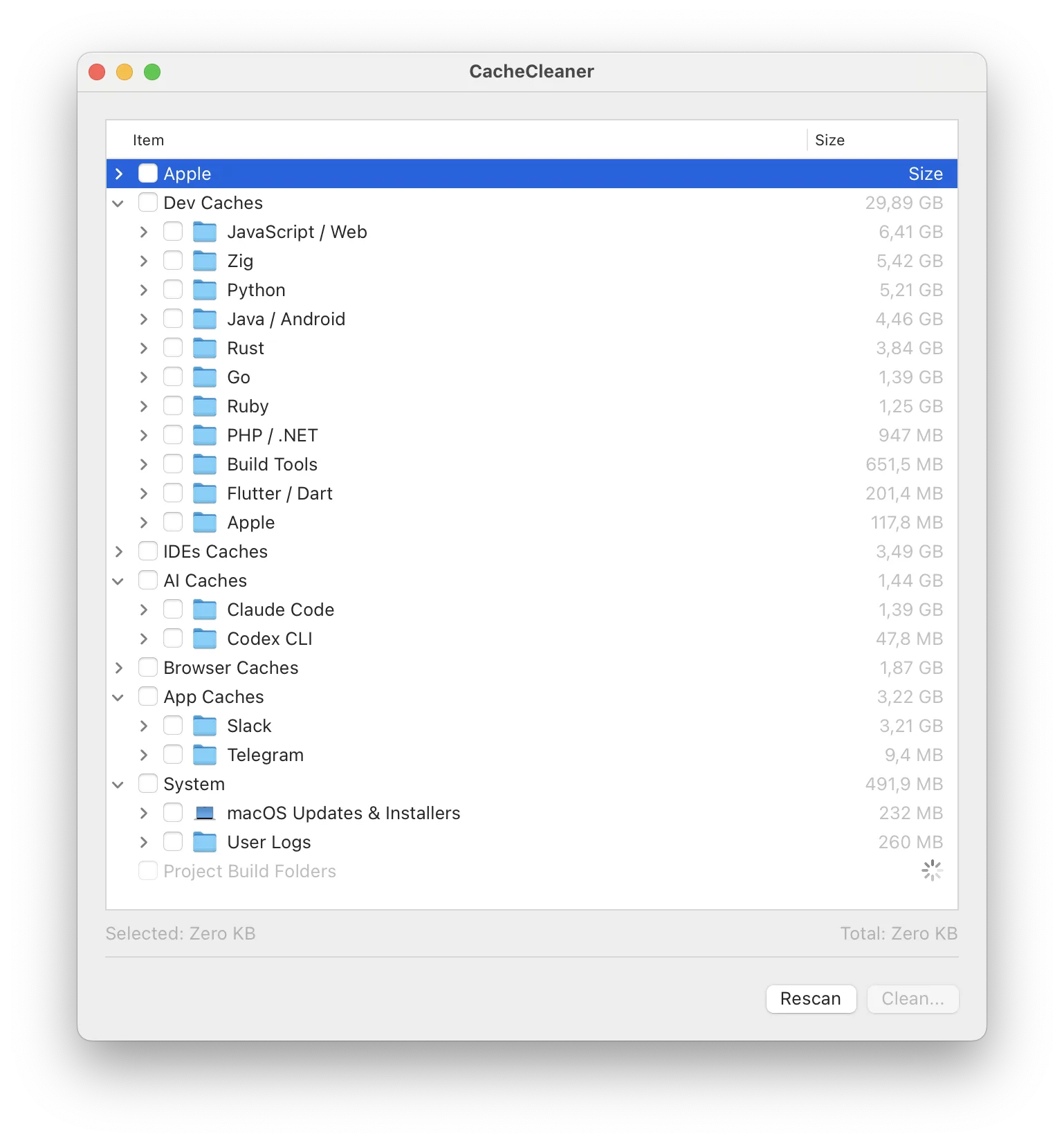
CacheCleaner – free, open source, 2.8 MB, native.
Xcode + package managers + Docker + AI model caches + whole-disk scan
for node_modules/target/.build. Nothing pre-selected, read-only scans.
Ours – and the only free open-source GUI in the category.
- DevCleaner for Xcode – free, 4.9★ on the App Store. Superb at exactly one thing: ~/Library/Developer. If your junk is Xcode-only, it's excellent; it doesn't touch npm, Docker or project folders.
-
Mole ($19 one-time, mole.fit) – a native
five-in-one suite: cleaning + monitor + uninstaller + treemap + fan
control. Buy it for the suite; the cleaning overlaps with free tools.
Requires macOS 14+.
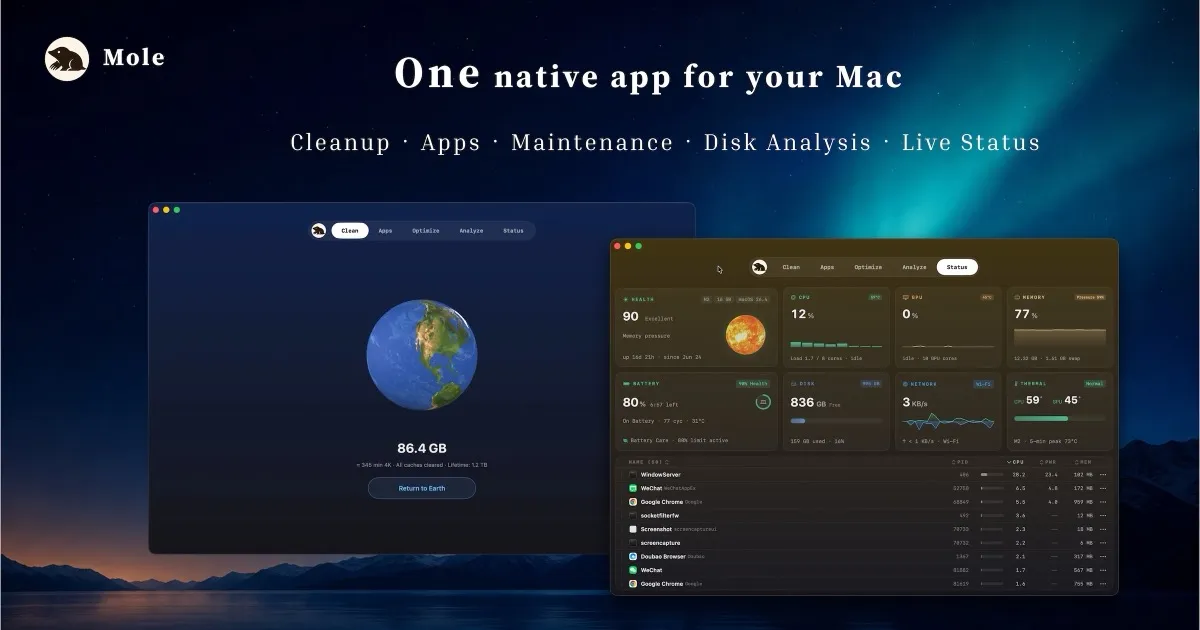
Image: mole.fit -
npkill / kondo / cargo-sweep – free CLI
specialists: node_modules (npkill), multi-ecosystem build dirs
(kondo), Rust target pruning (cargo-sweep). Perfect if you live in
the terminal; each covers one slice.
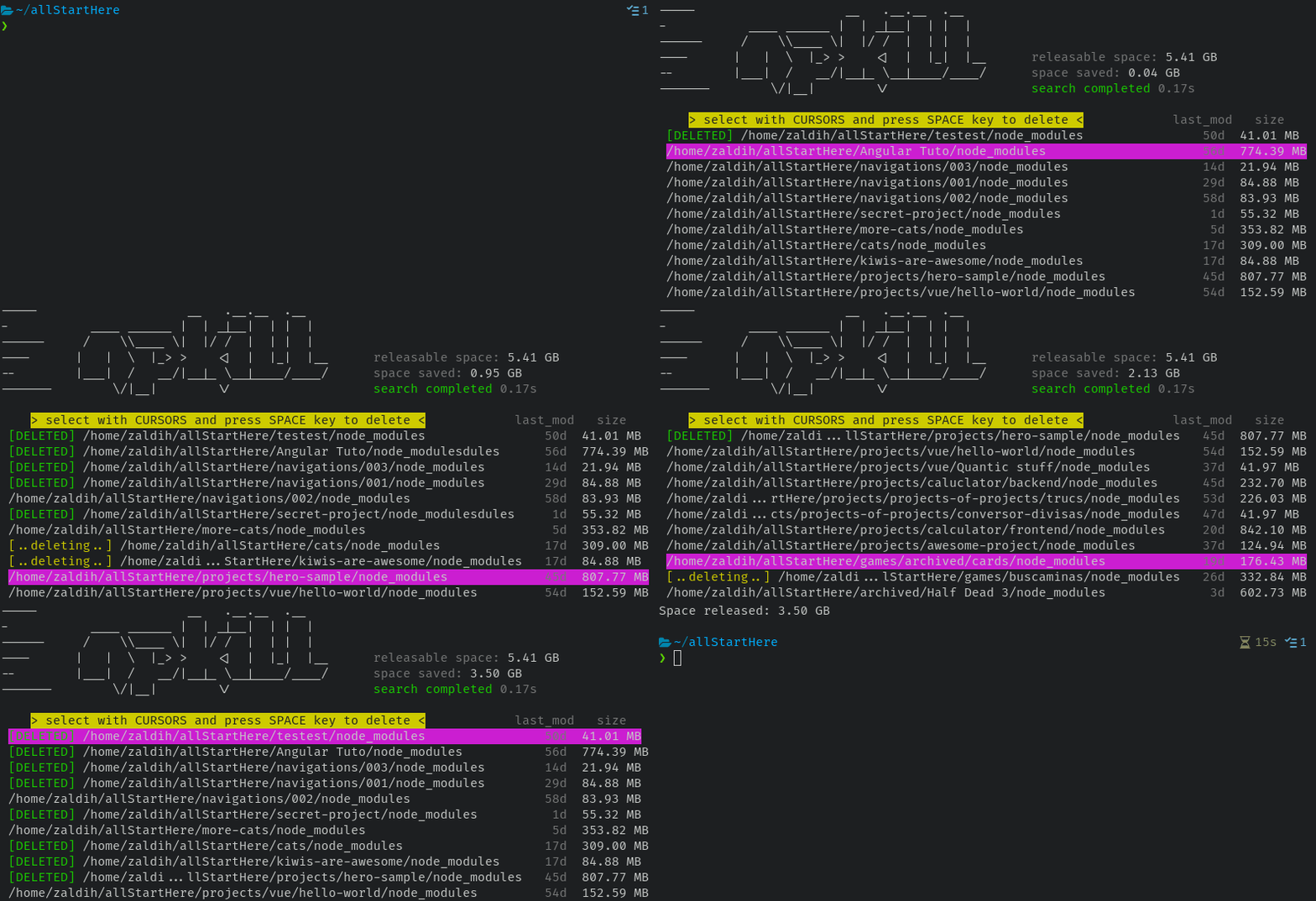
Image: npkill, MIT 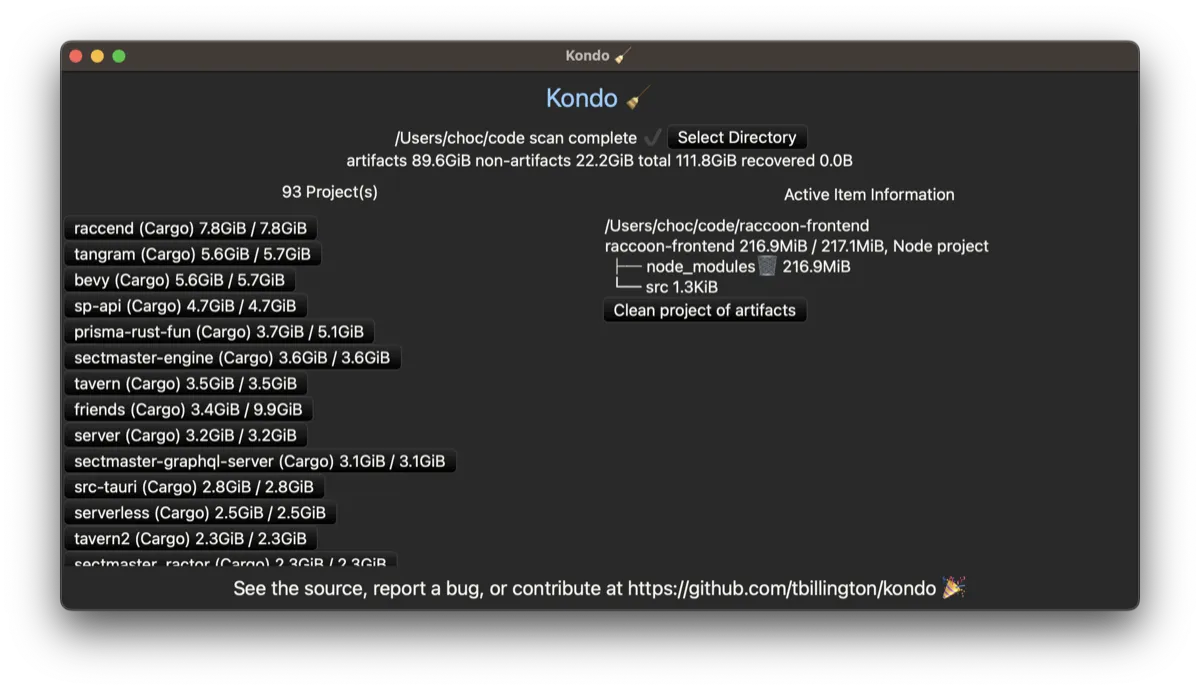
Image: kondo, MIT/Apache - OnyX – free, veteran macOS maintenance (rebuilds, system caches). Not developer-aware, but a trustworthy free generic.
-
DaisyDisk ($9.99) – not a cleaner but the best
disk visualizer; great for finding what the cleaners missed.
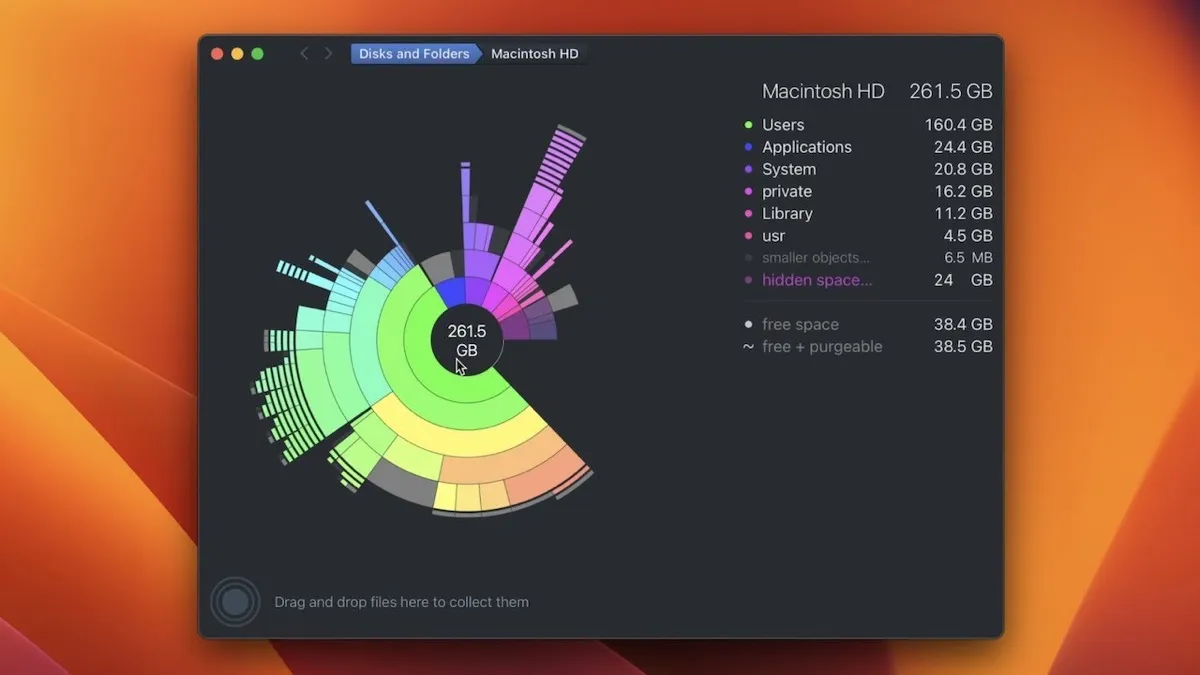
Image: daisydiskapp.com -
CleanMyMac (~$40/year) – the polished generic
suite. Fine for non-developers; on a dev machine it walks past the
biggest folders. Full comparison.
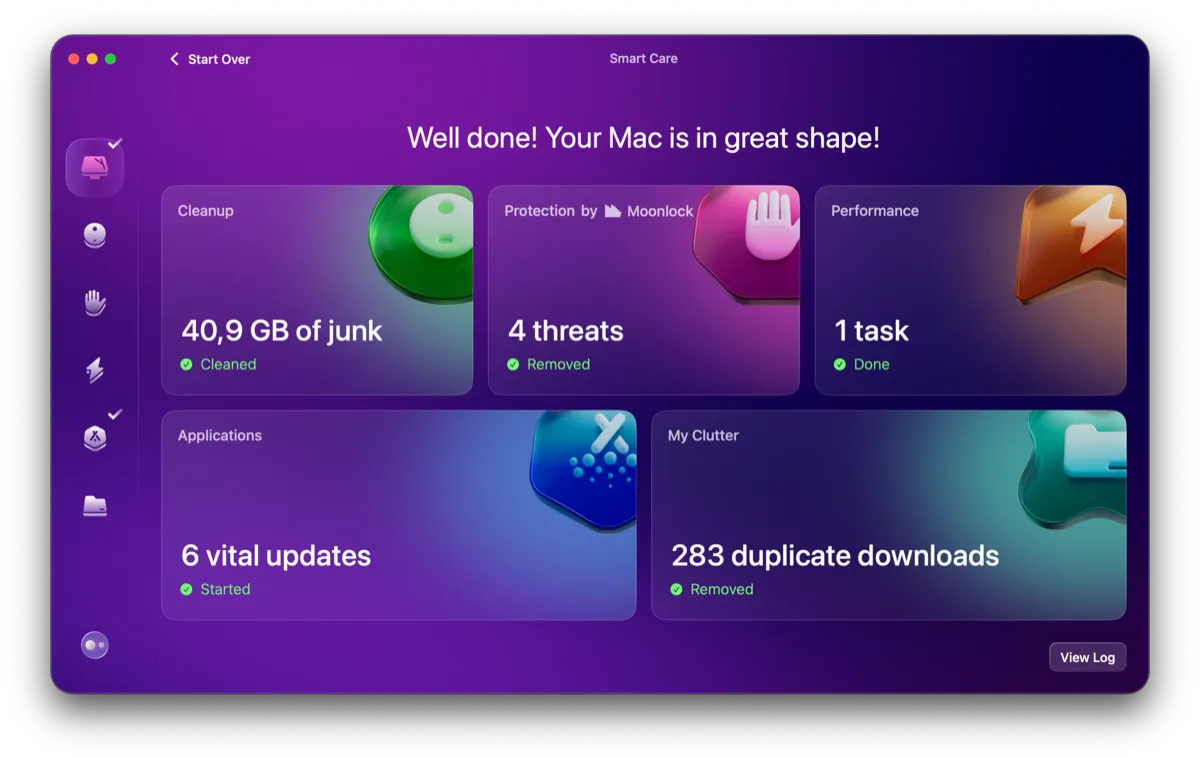
Image: macpaw.com
The quick decision
Terminal person with one ecosystem: npkill/kondo. Want monitoring and fan control too: Mole. Want the whole dev-junk problem solved in one free auditable app: that's the one we build.
CacheCleaner is free and the scan is read-only – see your own numbers before believing any list.
Download CacheCleaner