CacheCleaner vs CleanMyMac
The numbers
- priceCleanMyMac: from ~$40/year, one-time tiers over $100. CacheCleaner: $0, GPL-licensed source on top.
- app size~150 MB vs 2.8 MB. CleanMyMac installs background helpers; CacheCleaner has none.
- platformBoth native. CacheCleaner runs on macOS 12+, App Store (Lite) or direct download / Homebrew.
What each finds on a dev machine
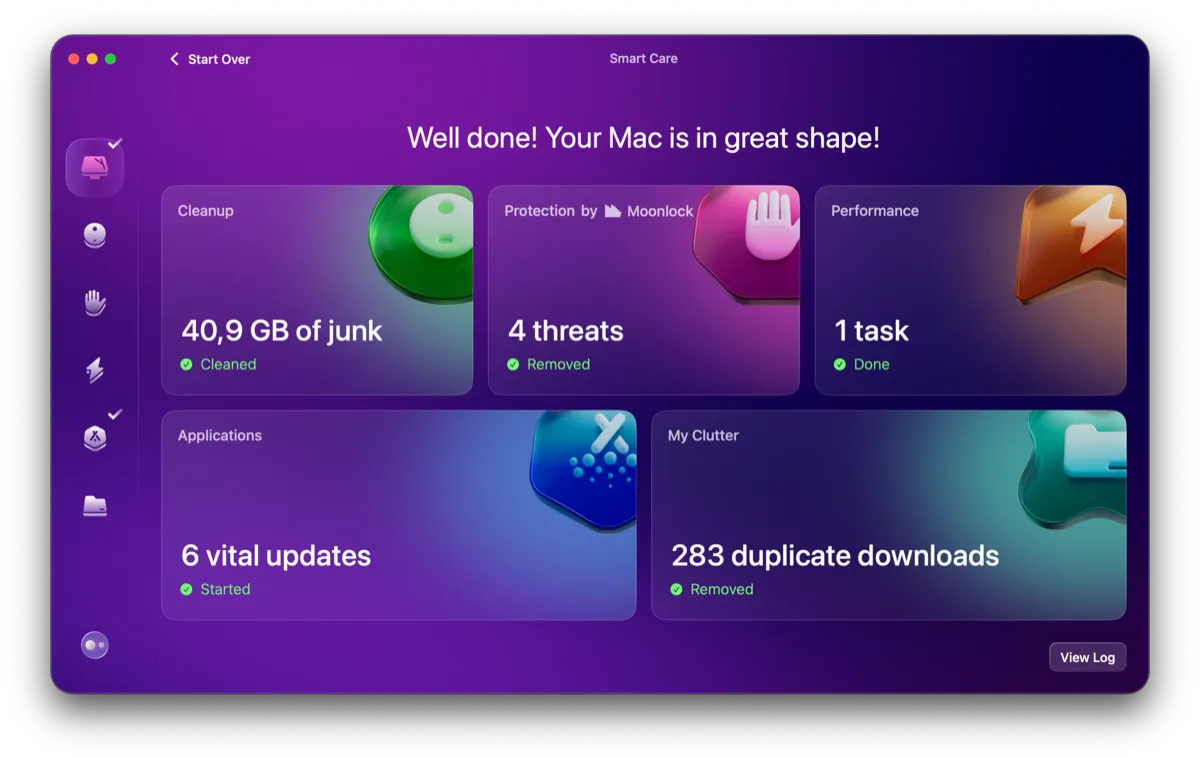
CleanMyMac's "System Junk" sees generic caches. It does not know that
~/Library/Developer hides 30-100 GB of regenerable
symbols, that each simulator runtime is 5-8 GB, that the Docker VM
never shrinks, or that fifty cloned repos each carry a
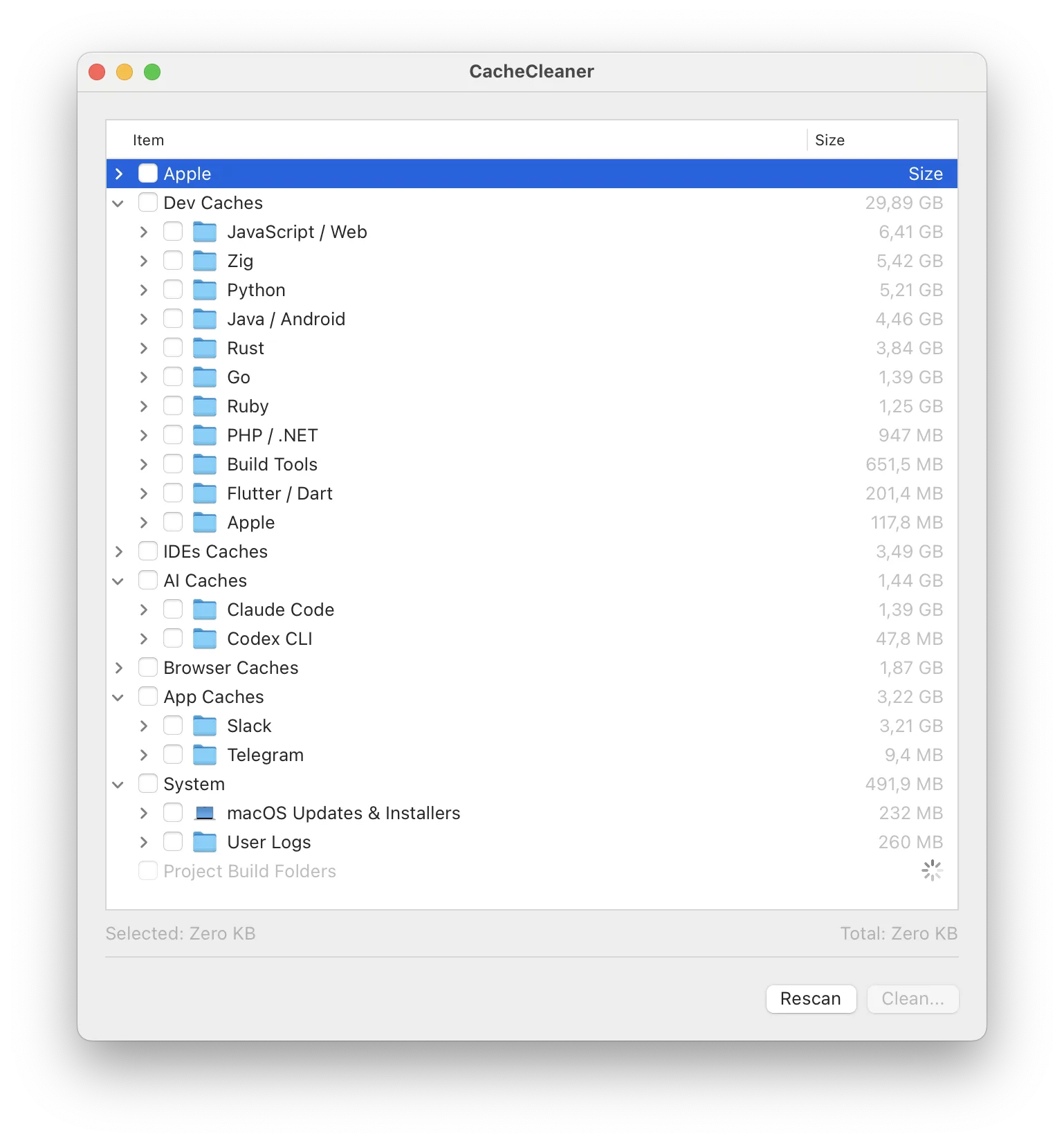
node_modules. CacheCleaner's whole catalog is exactly
these locations – plus AI model caches (Hugging Face, Ollama,
LM Studio) that no generic cleaner tracks yet.
Trust model
Deleting files is a trust exercise. CacheCleaner's answer: open source, read-only scans, nothing pre-selected, explicit ⚠️ warnings on anything that is more than a disposable cache, and zero network calls. CleanMyMac is closed-source with telemetry and a subscription account.
Verdict
Developer whose disk fills up between projects: CacheCleaner first; it's free and targets the actual problem. Non-technical user who wants one app to "keep the Mac healthy": CleanMyMac earns its money. Many developers reasonably run CacheCleaner for the gigabytes and nothing else at all.
See what's eating your disk before deciding anything – the scan is free and read-only.
Download CacheCleaner