CacheCleaner vs Mole
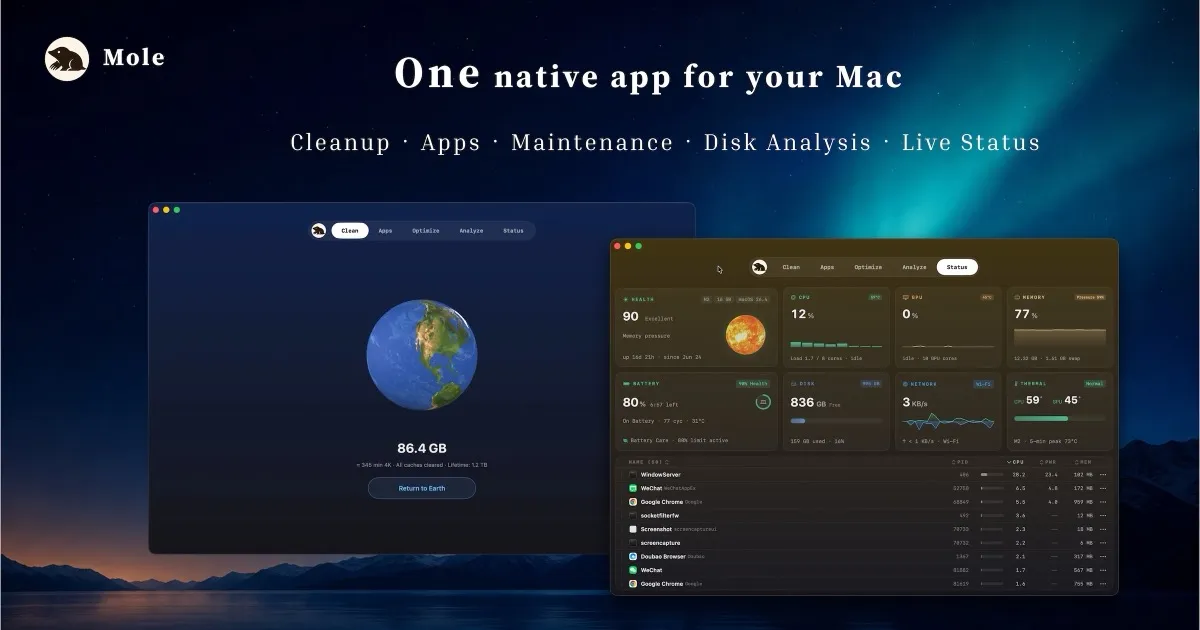
Mole is a suite; CacheCleaner is a tool. Mole (mole.fit)
packs cleaning, app updates, an uninstaller, a disk treemap, a live
system monitor and fan control into one native app for $19. CacheCleaner
does exactly one of those jobs – developer junk – deeper,
free, and with the source code published.
The honest table
- priceMole GUI: $19 one-time (CLI is free & open source). CacheCleaner: $0, GUI and CLI, GPL source.
- scopeMole replaces five utilities at once. CacheCleaner only cleans dev junk – on purpose.
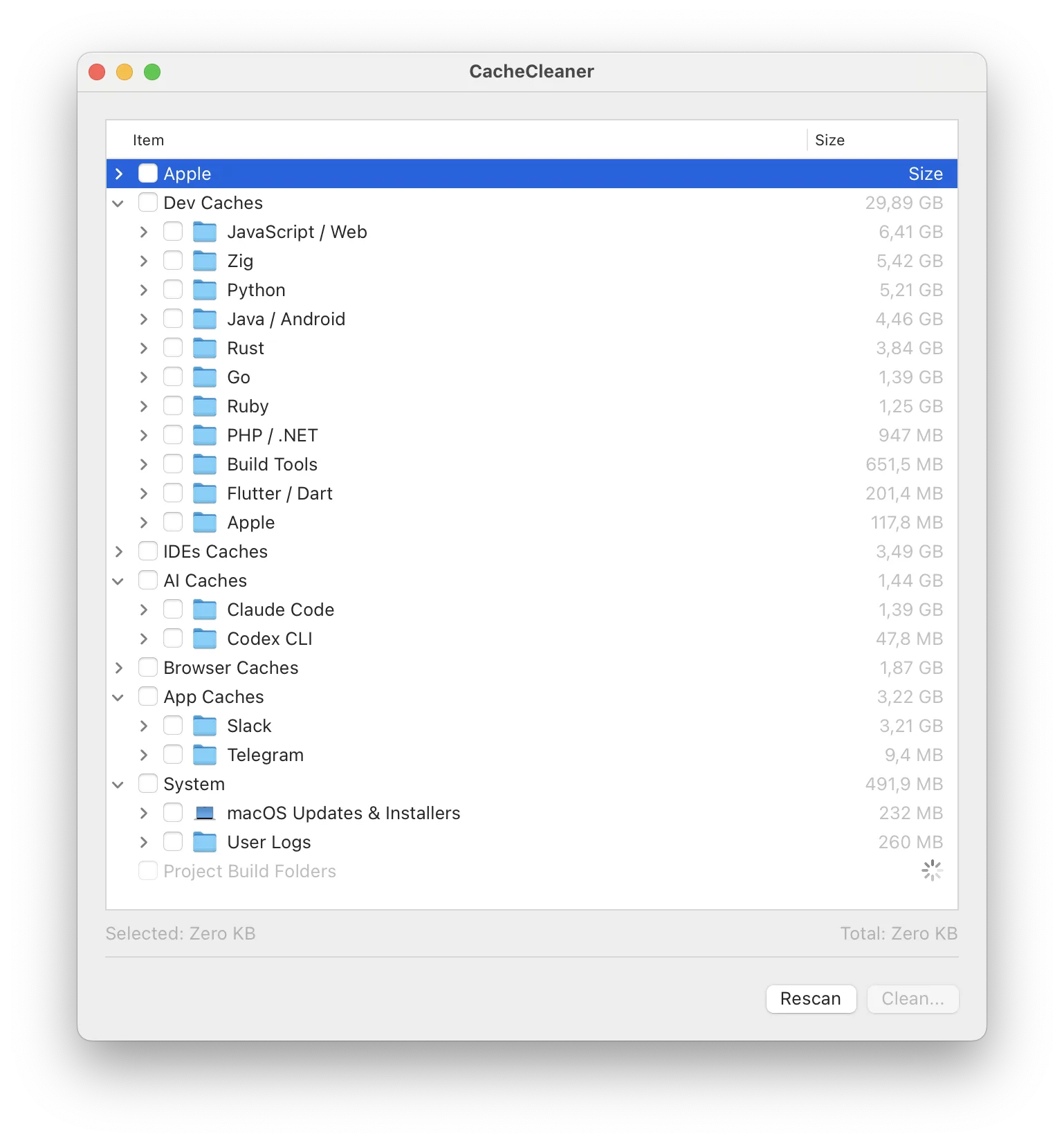
- dev depthBoth clean Xcode/npm/AI-tool caches. CacheCleaner adds simulator platform runtime deletion via simctl and a whole-disk scan for per-project build folders (node_modules, target, .build) – with Cargo.toml/package.json checks so only real projects match.
- macOSMole requires macOS 14+. CacheCleaner runs on macOS 12+.
- storeMole is direct-download only. CacheCleaner: App Store (sandboxed Lite) or direct/Homebrew (full).
- trialMole's tools each work twice before a license. CacheCleaner has no gates.
When Mole is worth the $19
If you actually want the monitor in the menu bar, fan curves, an uninstaller and disk treemap in one place – Mole is a well-made native app and a fair one-time price against subscription suites. Buy it for the suite, not for the cleaning: the cleaning part is what free tools already do.
When CacheCleaner is the answer
If the problem is "my disk is full again because of dev tools," you don't need a suite. A 2.8 MB app that shows every cache with its size, pre-selects nothing, and can be audited line by line is the smallest honest solution to that problem.
Run the free read-only scan – then decide if anything else is worth paying for.
Download CacheCleaner